What this technique achieves
Compose futuristic streetscapes with scale cues, atmospheric depth and functional architecture. The key is to treat an image prompt as a design brief rather than a bag of aesthetic keywords. Describe the subject, composition, lighting, material, color, and intended use separately so each variable can be revised without rewriting the whole scene.
For this guide, the running example is: An elevated walkway above a futuristic night market. The same brief can be adapted for an editorial illustration, a social campaign, or a visual concept board, provided the output is checked for accuracy and rights.
AI-generated visual illustration
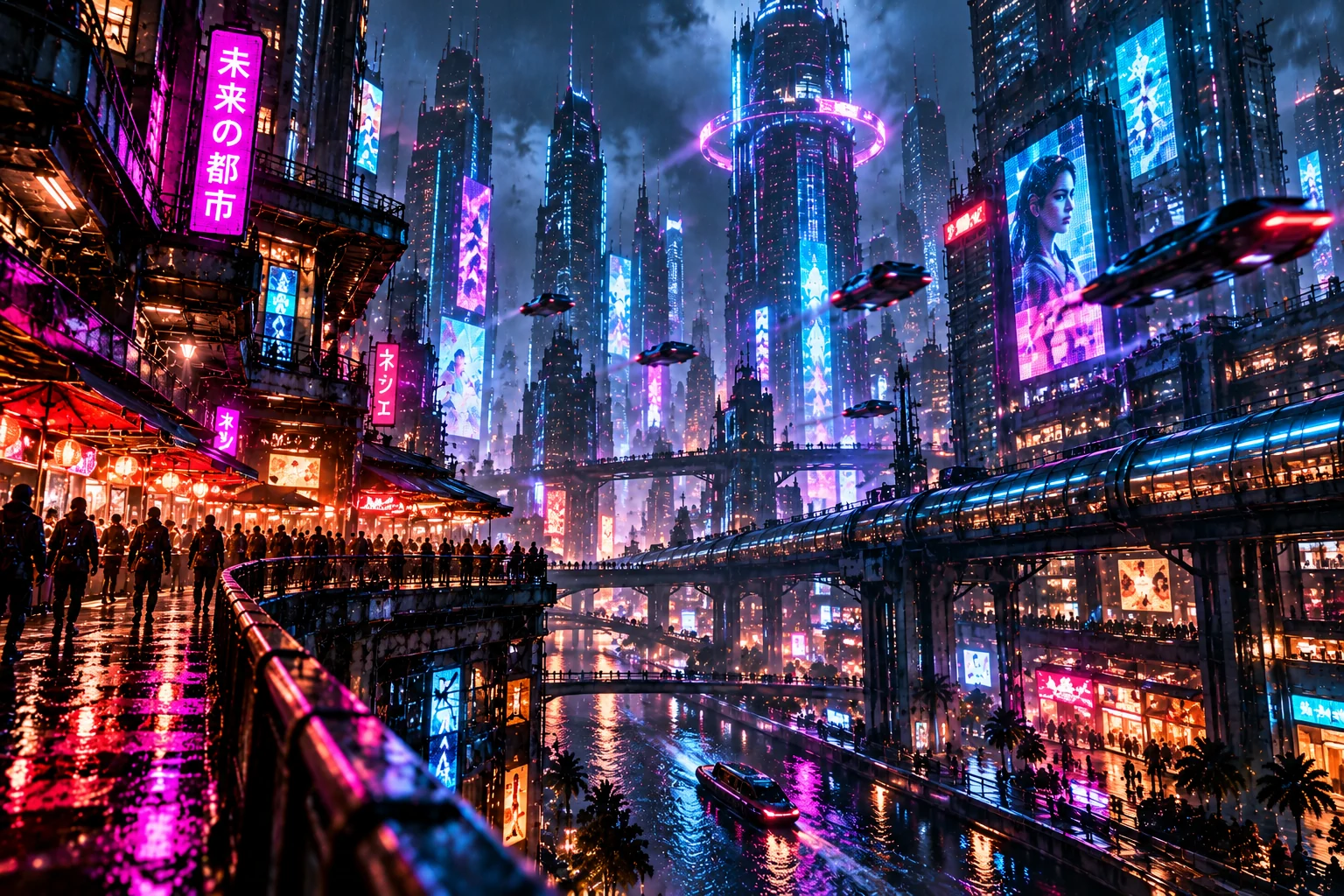
Use this image as a visual reference for composition, lighting, and style. Compare the result with your own generated output and refine the prompt for your intended subject.
Prompt anatomy: five controllable layers
- Subject and action. Identify the main subject and what it is doing. Avoid competing focal points.
- Camera and composition. State shot size, viewpoint, framing, and negative space.
- Light and material. Specify light source, contrast, texture, and surface response.
- Art direction. Choose a coherent palette, medium, and level of stylization.
- Review criteria. Inspect unintended text, anatomy, continuity, and model-specific artifacts.
Practical prompt example
This is a transferable descriptive template, not a claim that every image model interprets each phrase identically. Generate multiple candidates, compare them against the brief, and revise one variable at a time.
Model settings and compatibility
Sci-Fi Architecture and cyberpunk city are the central controls in this workflow. Start with a clean baseline, record your model version and aspect ratio, then compare one change at a time. Seed reproducibility and parameter behavior vary between services and versions.
Keep visual hierarchy clear; excessive glow can flatten detail.
When a feature or command is version-specific, consult the provider's current documentation before publishing exact parameter syntax. Do not treat historical V6, Niji 6, or DALL·E 3 terminology as evidence that a model is the latest available.
Step-by-step visual workflow
- Draft: Write one sentence describing the subject and desired visual outcome.
- Direct: Add composition, light, materials, and a coherent style.
- Render: Produce a small batch using a documented model and settings.
- Compare: Score focal clarity, visual artifacts, and consistency with the brief.
- Refine: Adjust only the weakest dimension and render again.
- Deliver: Verify licensing, accessibility alt text, and export resolution.
Common mistakes and fixes
Too many style keywords: conflicting references produce muddled output. Choose a primary direction and two supporting cues. Unclear composition: add viewpoint, subject scale, and background separation. Overconfidence in parameters: confirm supported syntax in the exact model interface. Skipping review: inspect text, hands, perspective, and trademarks manually.
Frequently asked questions
Can I reuse this prompt in different image models?
Yes, the descriptive core is portable, but model-specific parameters and weighting are not. Test each provider separately.
Is the preview a generated result from this exact prompt?
No. The visual on this page is an original abstract SVG illustration representing the topic, not a claimed output from Midjourney, FLUX, or DALL·E.
How can I improve consistency?
Maintain a short visual style guide, fix the aspect ratio, use supported references, and compare outputs with a repeatable checklist.